



NexVowInvitations
Every package

Start from one of our signature templates and make every part of it yours — then invite every guest with a personal link and watch the RSVPs come in.

The editor

Every section of your invitation in one list, with a live preview beside it. The same invitation powers your guest list, Guestbook and seating plan.

How it works

Start from one of our signature templates and make every part of it yours in the dashboard — no design skills, no code.

  1. 1

    Pick a template

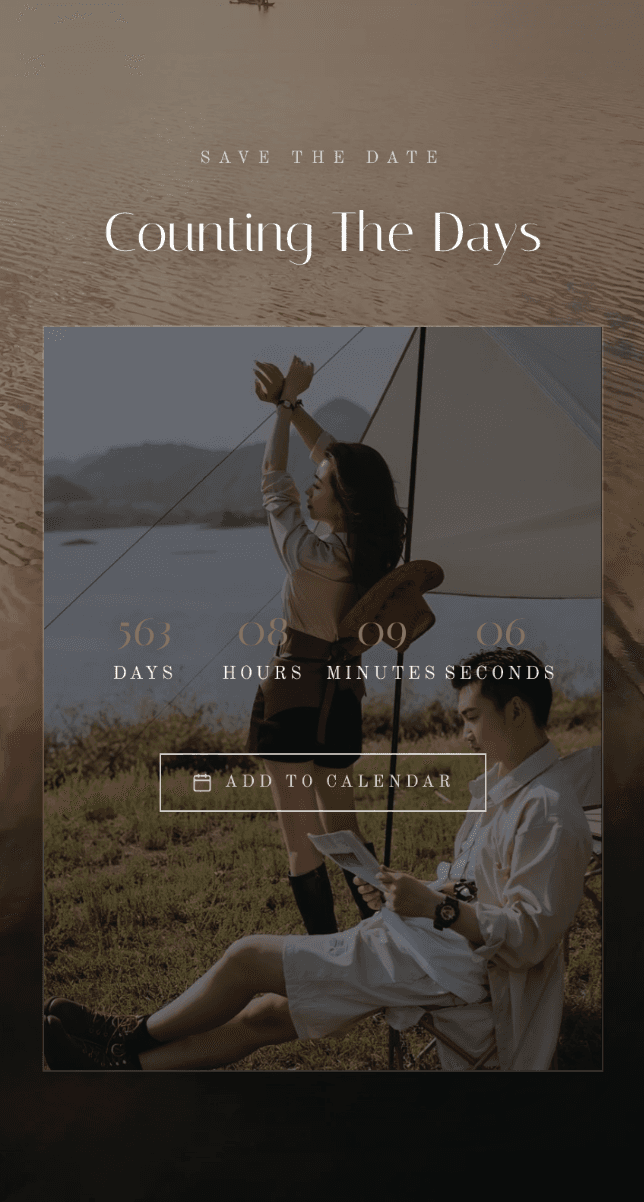
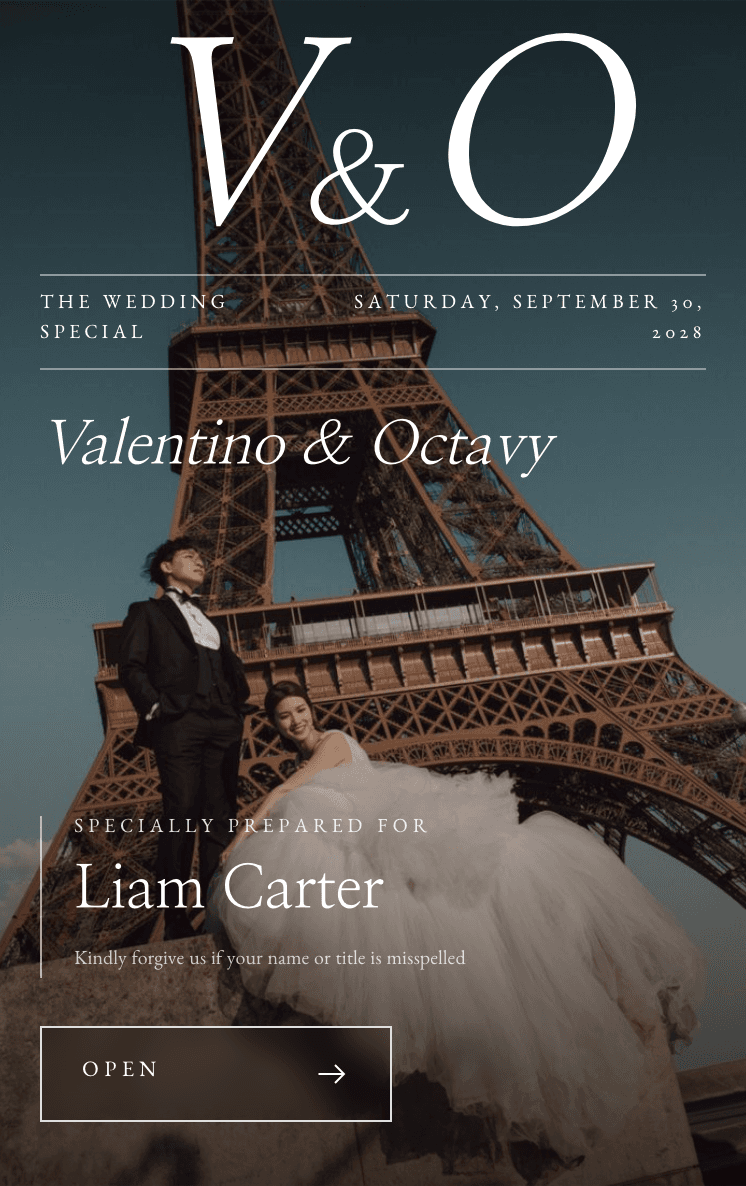
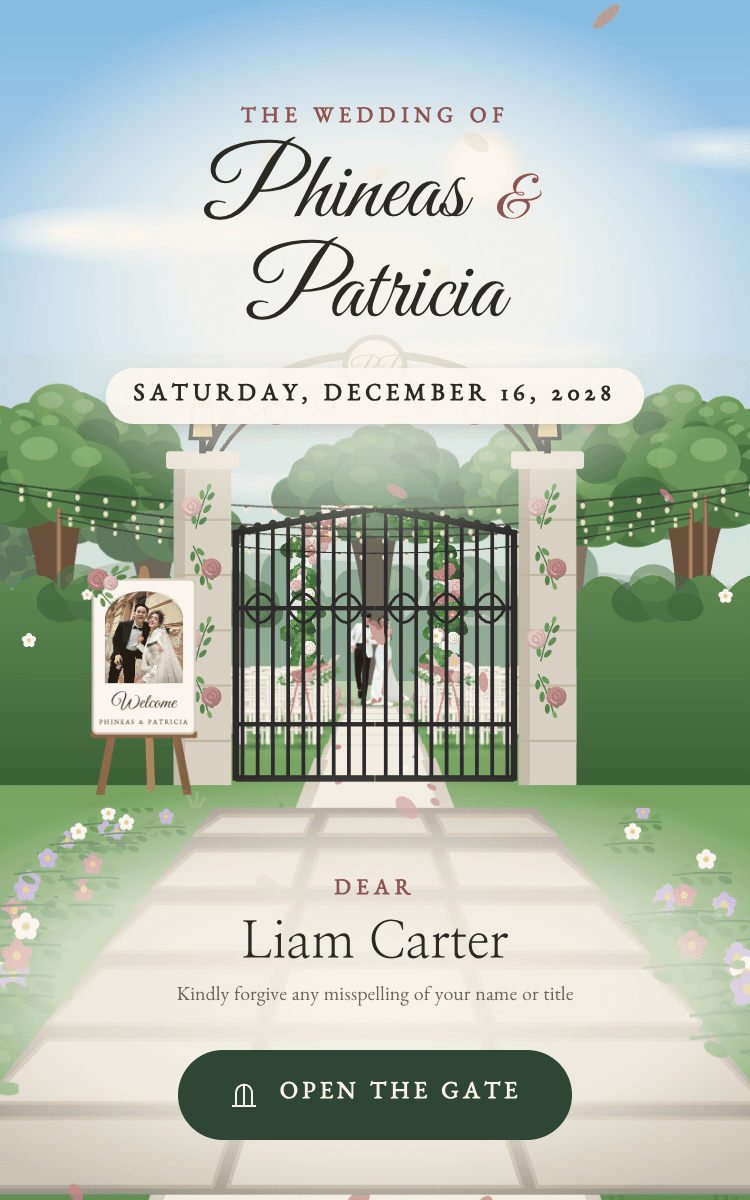
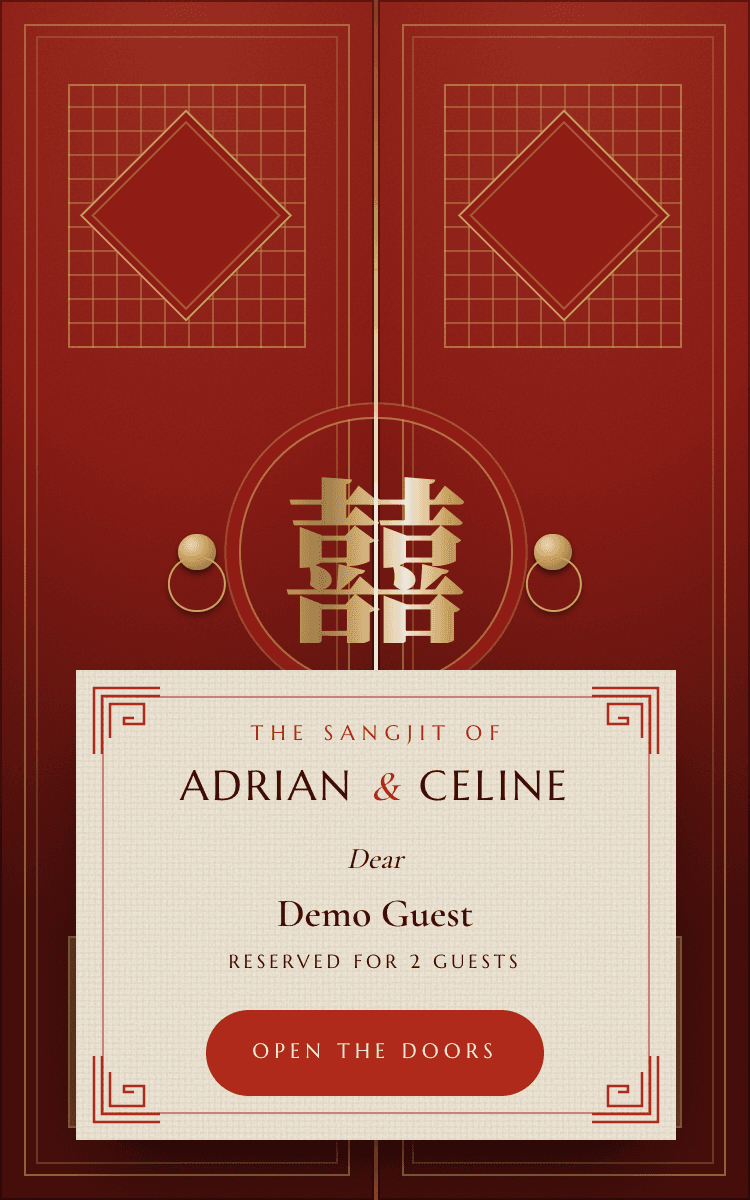
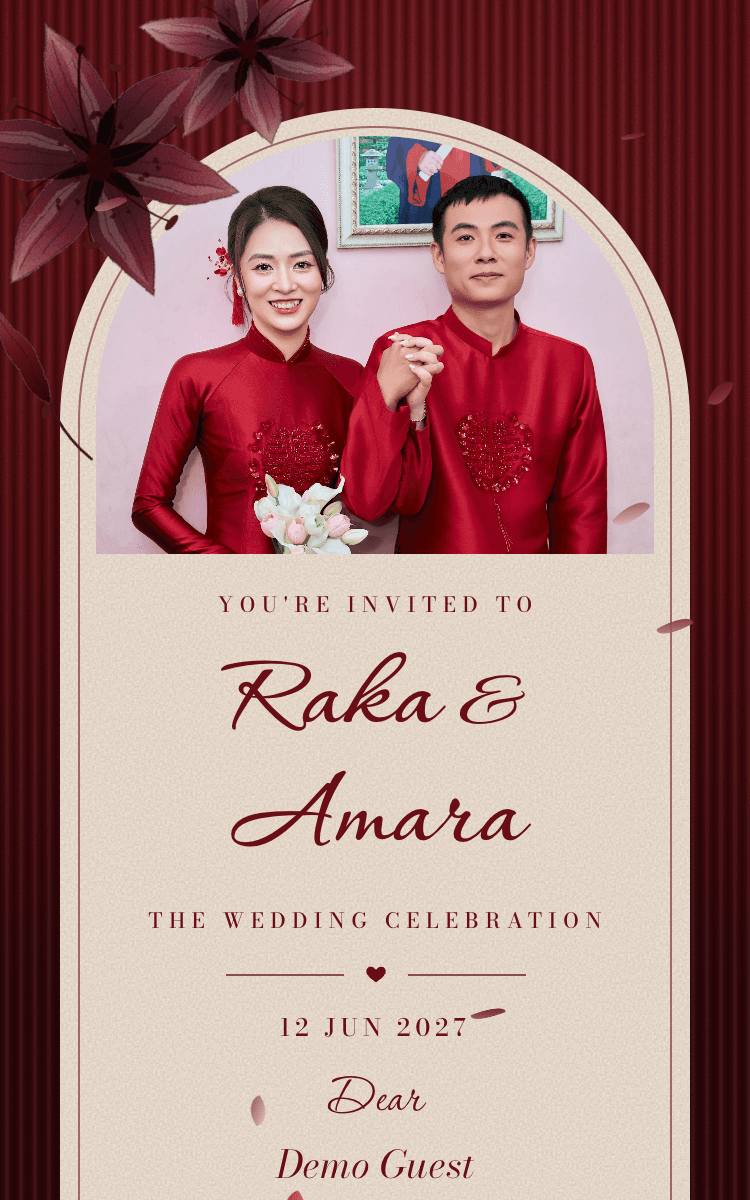
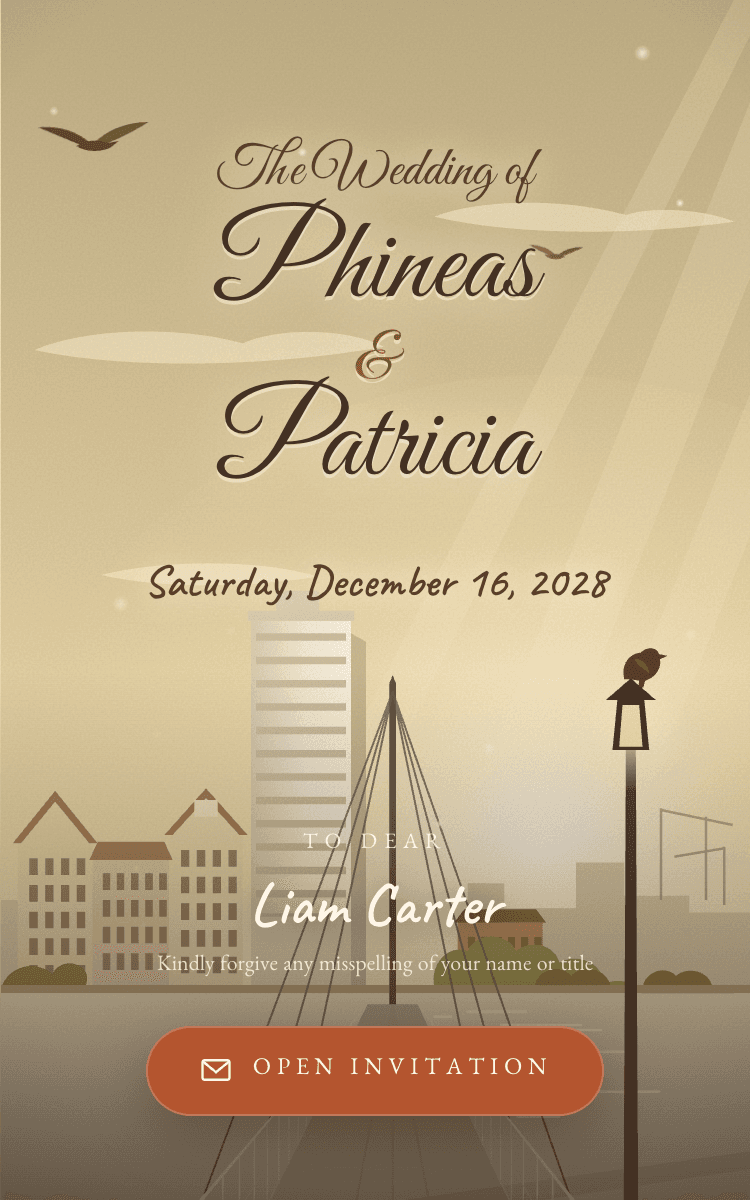
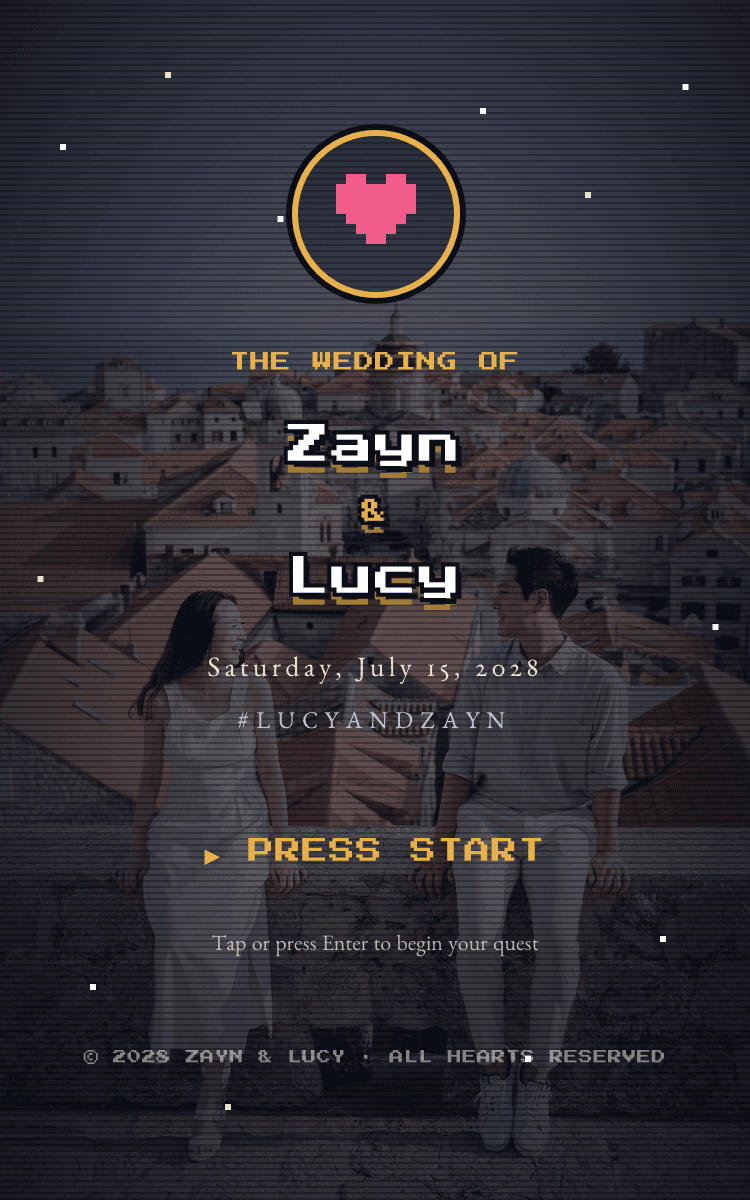
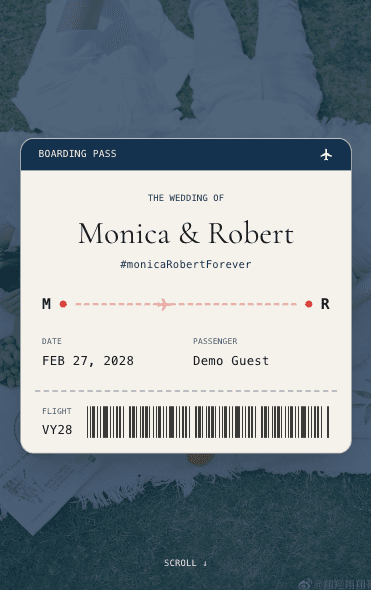
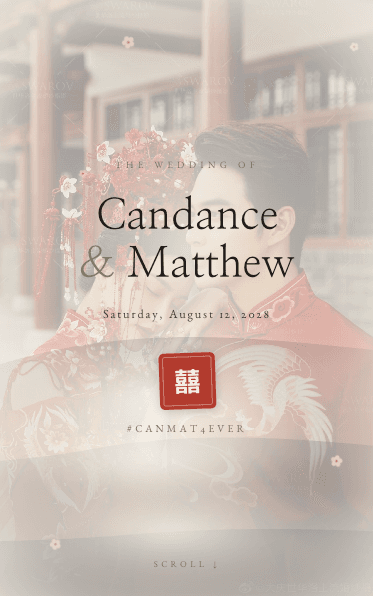
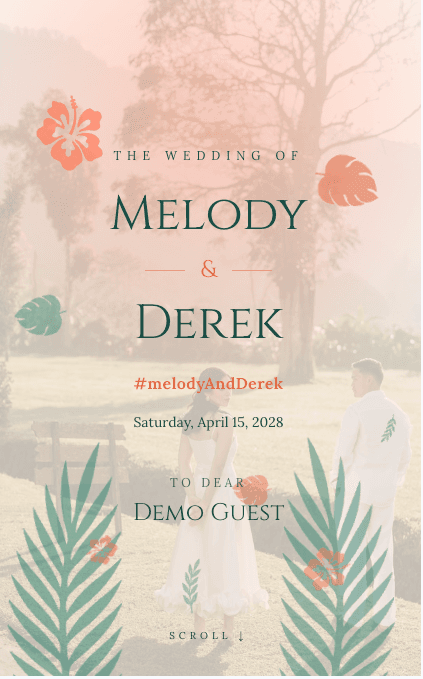
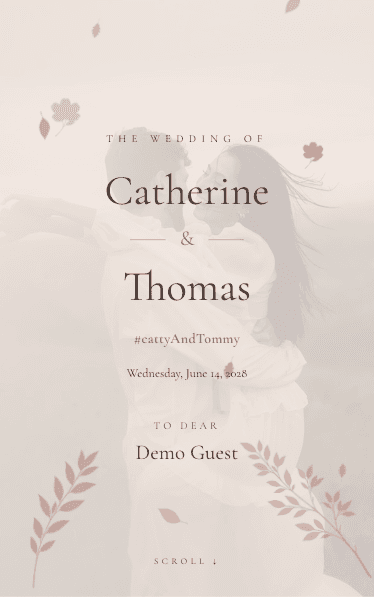
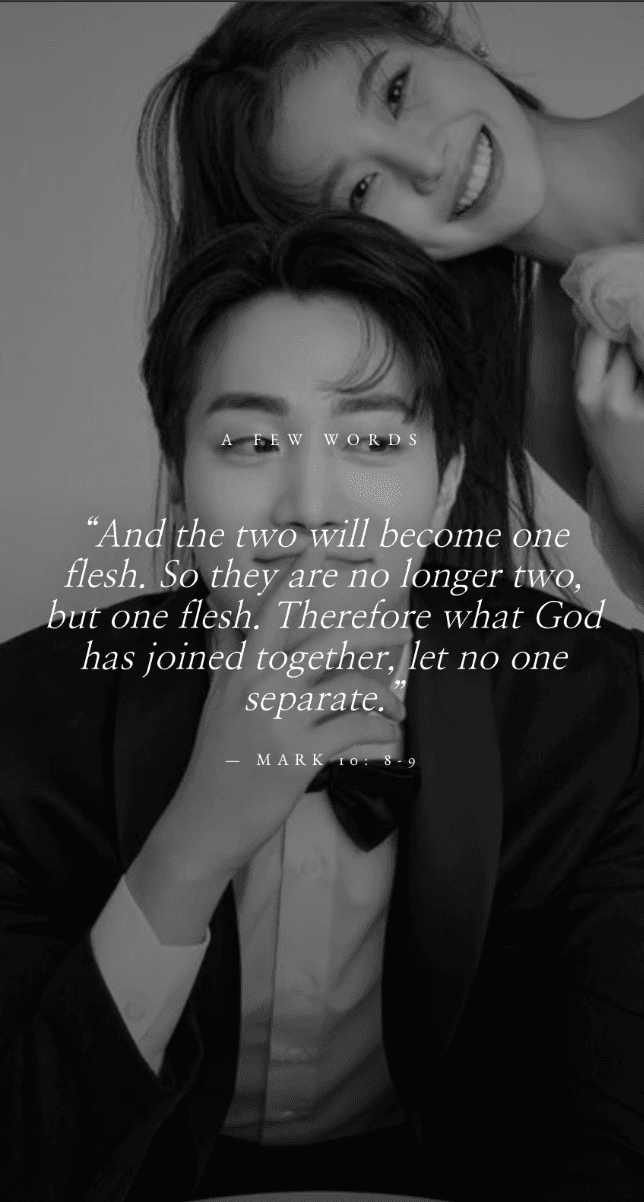
    Browse cinematic, editorial, floral and playful designs, and preview each one as a real invitation.

  2. 2

    Fill in your story

    Names, photos, ceremonies, love-story moments, music and gifts — section by section, with live preview.

  3. 3

    Preview & publish

    See exactly what guests will see, then publish to your own invitation link in one click.

  • Your colors & fonts

    Keep the template's palette, or pick your own colors and typefaces.

  • Switch templates anytime

    Change the design whenever you like — your content comes with you.

  • English or Bahasa

    Every template speaks EN or ID, down to dates and buttons.

  • Every ceremony

    Each with its own date, venue, dress code and add-to-calendar.

  • Music & media

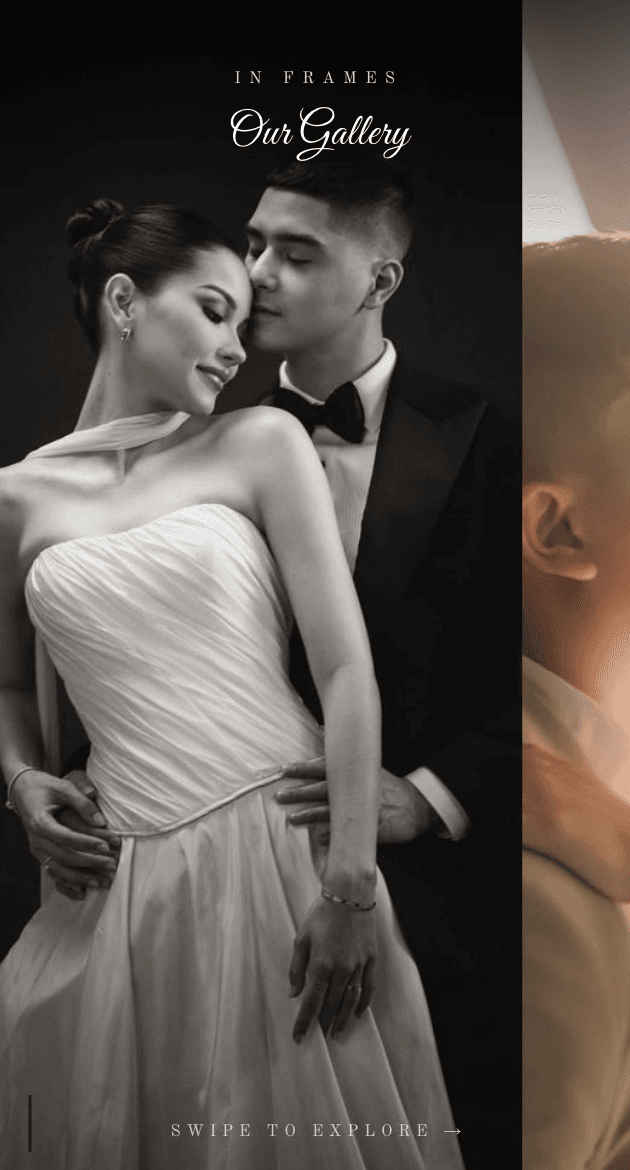
    Background song, cover slideshow, gallery, videos and moments.

  • Gifts & wishes

    Bank accounts and QR for gifts; wishes appear right on the page.

Templates

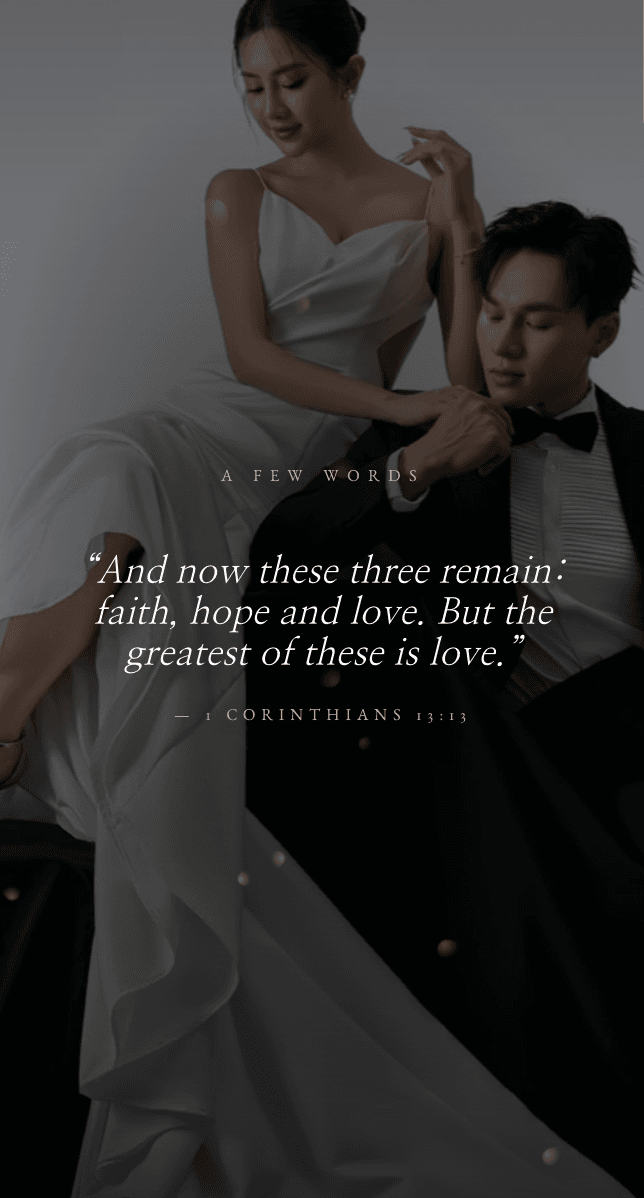
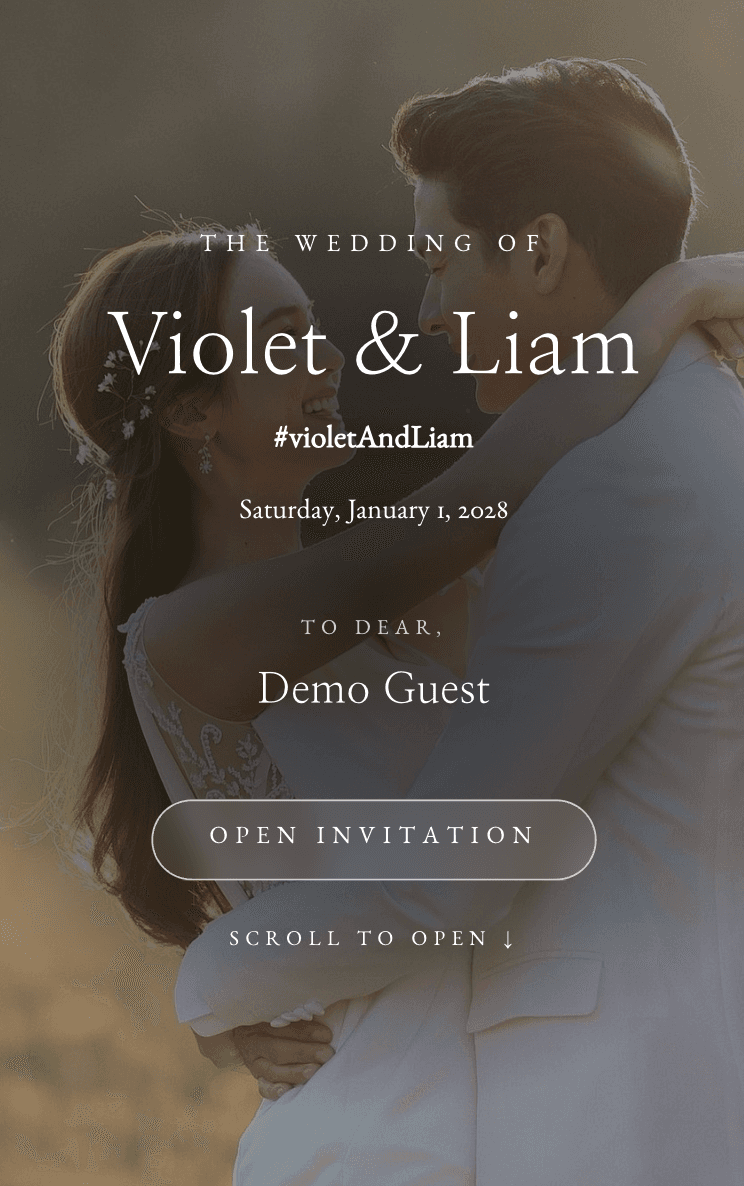
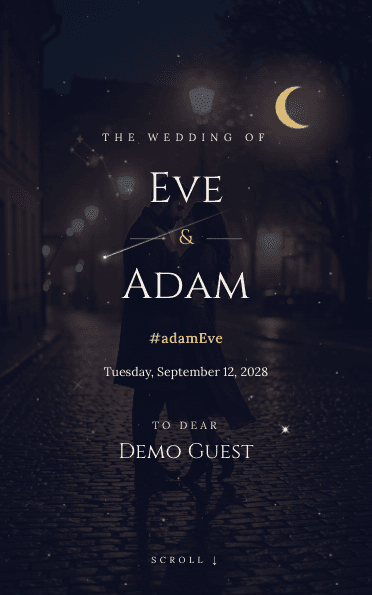
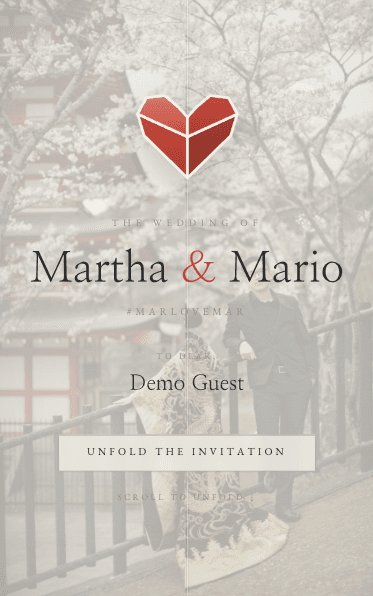
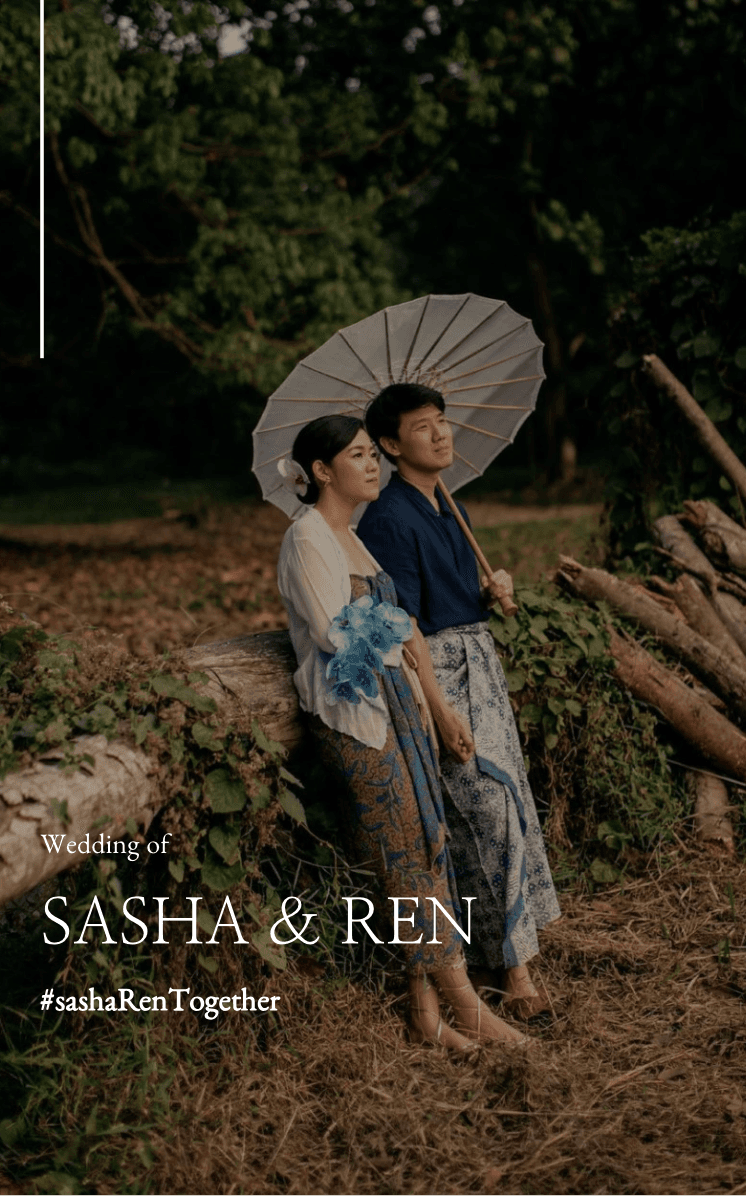
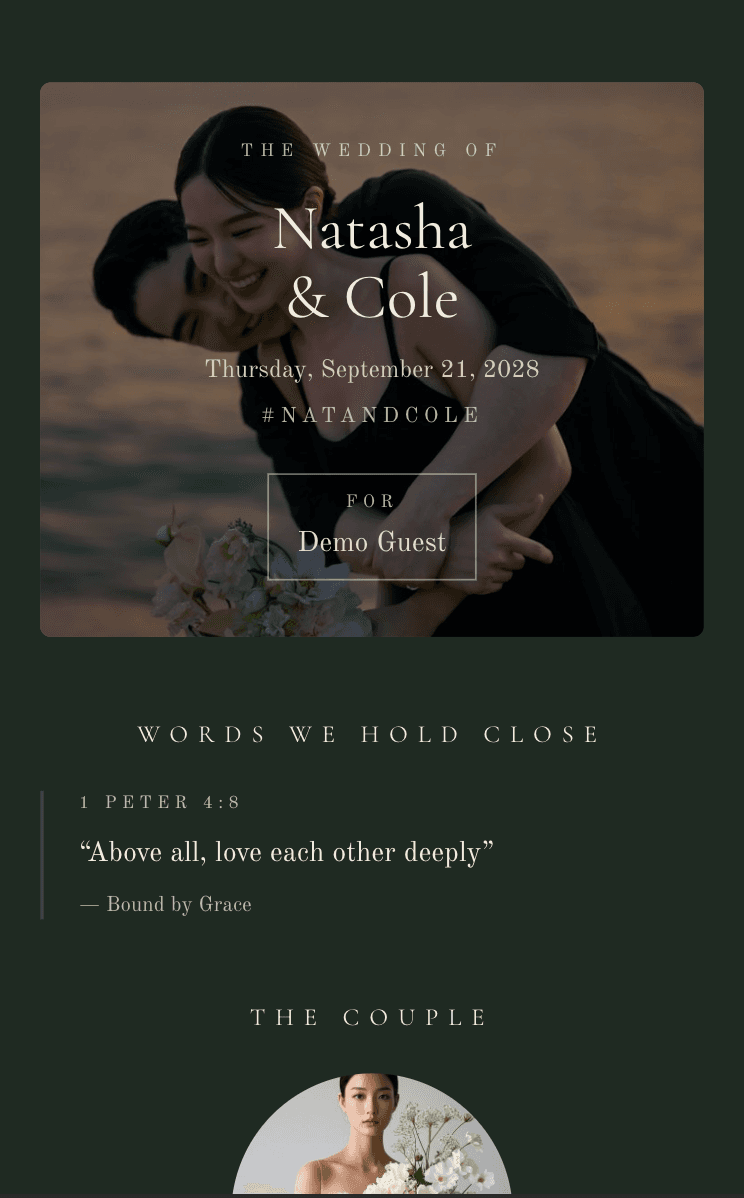
Cinematic, editorial, playful or timeless — pick a mood, then make it yours with your names, photos, colors, typography and music.

Browse all templates

Guests & RSVP

Add guests one by one or paste your whole list from Excel or Google Sheets. Each guest gets a personal link with their name on the invitation — and you see who opened it, who's coming and how many.

Bulk add

Paste straight from Excel or Google Sheets. Existing guests update, new rows become new guests.

Personal links

Write your message once with placeholders, then copy a ready-to-send WhatsApp text for every guest.

RSVPs, live

Filter by attending, declined, opened or pending — and see head counts as replies arrive.

  • Invite guests to specific ceremonies only
  • Party size & notes per guest
  • Record phone RSVPs by hand
  • Wishes appear on your invitation
  • Message in English or Bahasa

Pricing

Every NexVow package starts with your custom invitation, guest list and RSVPs. Add the Guestbook and the Seating Planner whenever you need them.

Tier 1

Invitation

A custom invitation from our templates, with everything to invite and hear back from guests.

Rp 250.000

Starting price

  • Custom invitation from any template
  • Colors, fonts, music, gallery & videos
  • Guest list with personal links
  • WhatsApp-ready messages
  • RSVP, wishes & digital gifts

Works together

Guests you add once travel from the invitation to the door to their table — no re-typing. See how they connect.

FAQ

  • No. Every template arrives fully designed. You fill in your names, photos and ceremonies section by section — and change colors or fonts only if you want to.

  • Yes. Your details, photos, ceremonies and guest list stay put when you change design, so you can try a few before publishing.

  • Yes. Each guest can be invited to every ceremony or just the ones you pick — their personal invitation only shows those.

  • Yes. Every template can be shown in English or Bahasa Indonesia, including dates, buttons and the RSVP form.

Say yes to NexVow